B2B
From abandoned sections to active product — redesigning ChatCenter's core flows
COMPANY
ChatCenter
ROLE
UX Designer
YEAR
2025
team
CEO
PM
2 Front-ends
2 Full-Stack
3 Back-ends
1 QA
Me
Description
ChatCenter is a B2B SaaS platform that helps sales and customer service teams manage conversations, campaigns, and post-sale workflows — primarily through WhatsApp. As the product grew, a gap opened between what the platform could do and what users actually used.
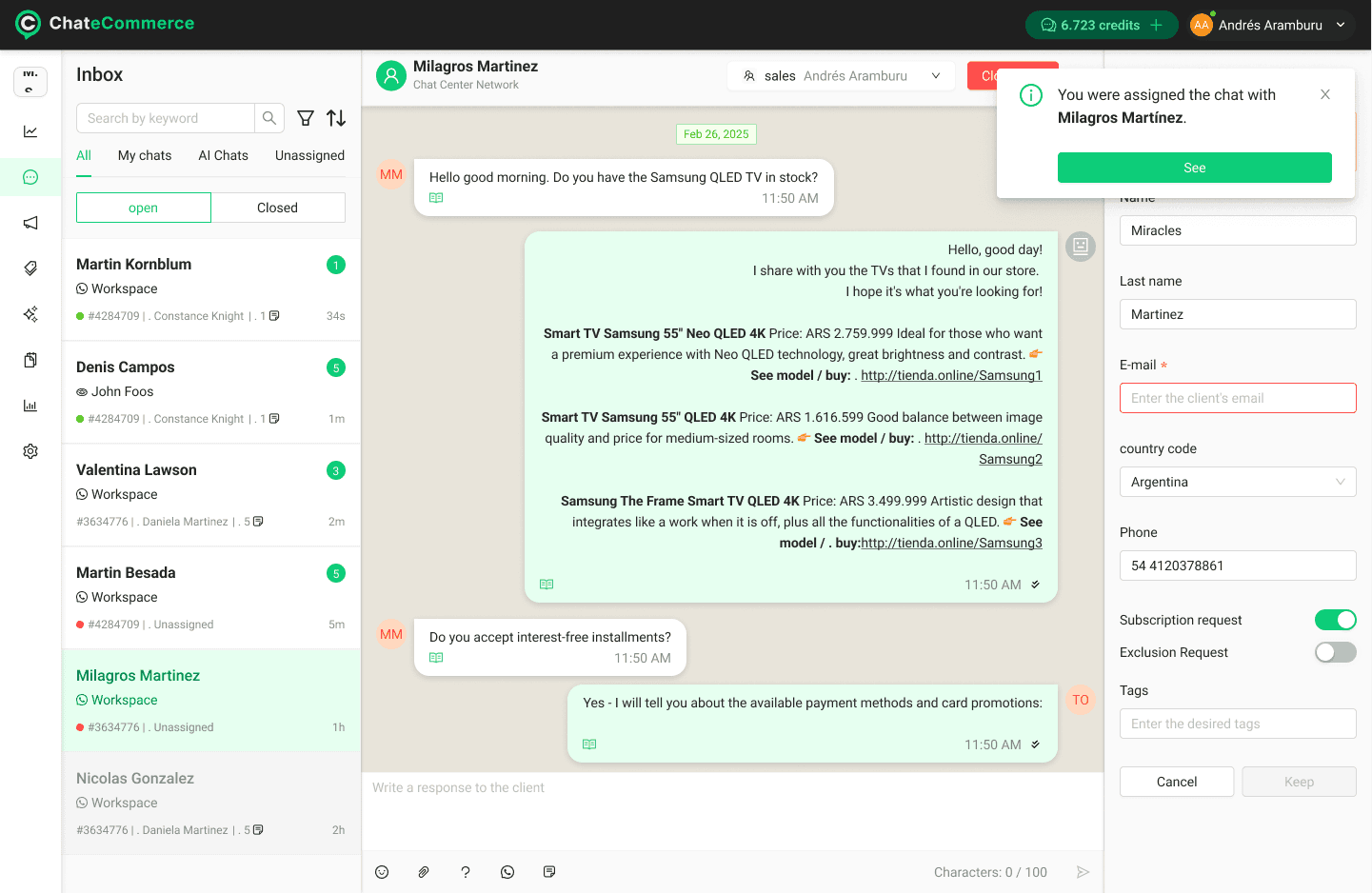
Chats — Most visited page. Centralizes active and closed conversations handled by human agents and AI, across WhatsApp, Messenger, and Instagram.
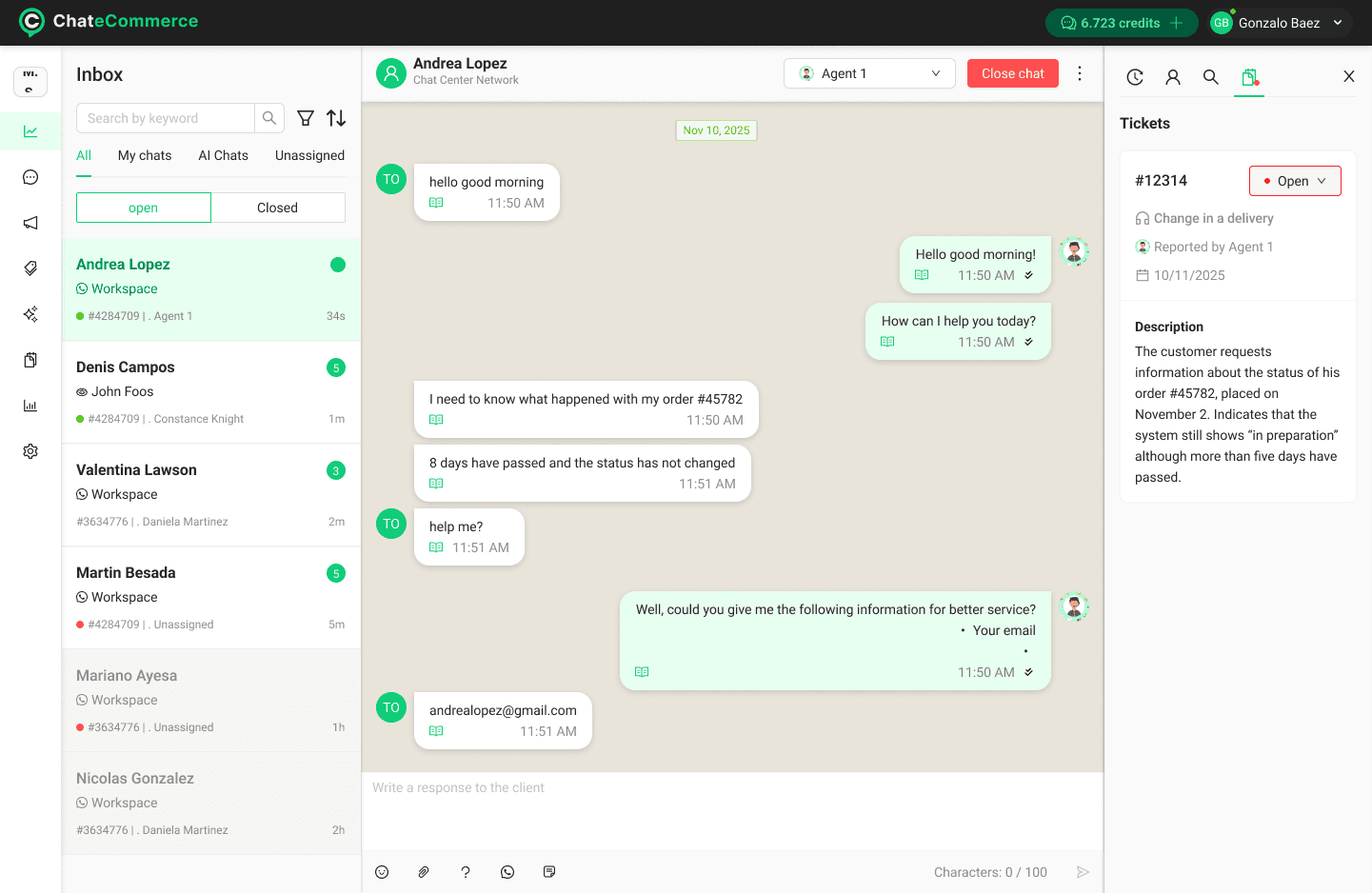
Tickets created automatically from conversations — agents stay focused, claims don't get lost.
Problem
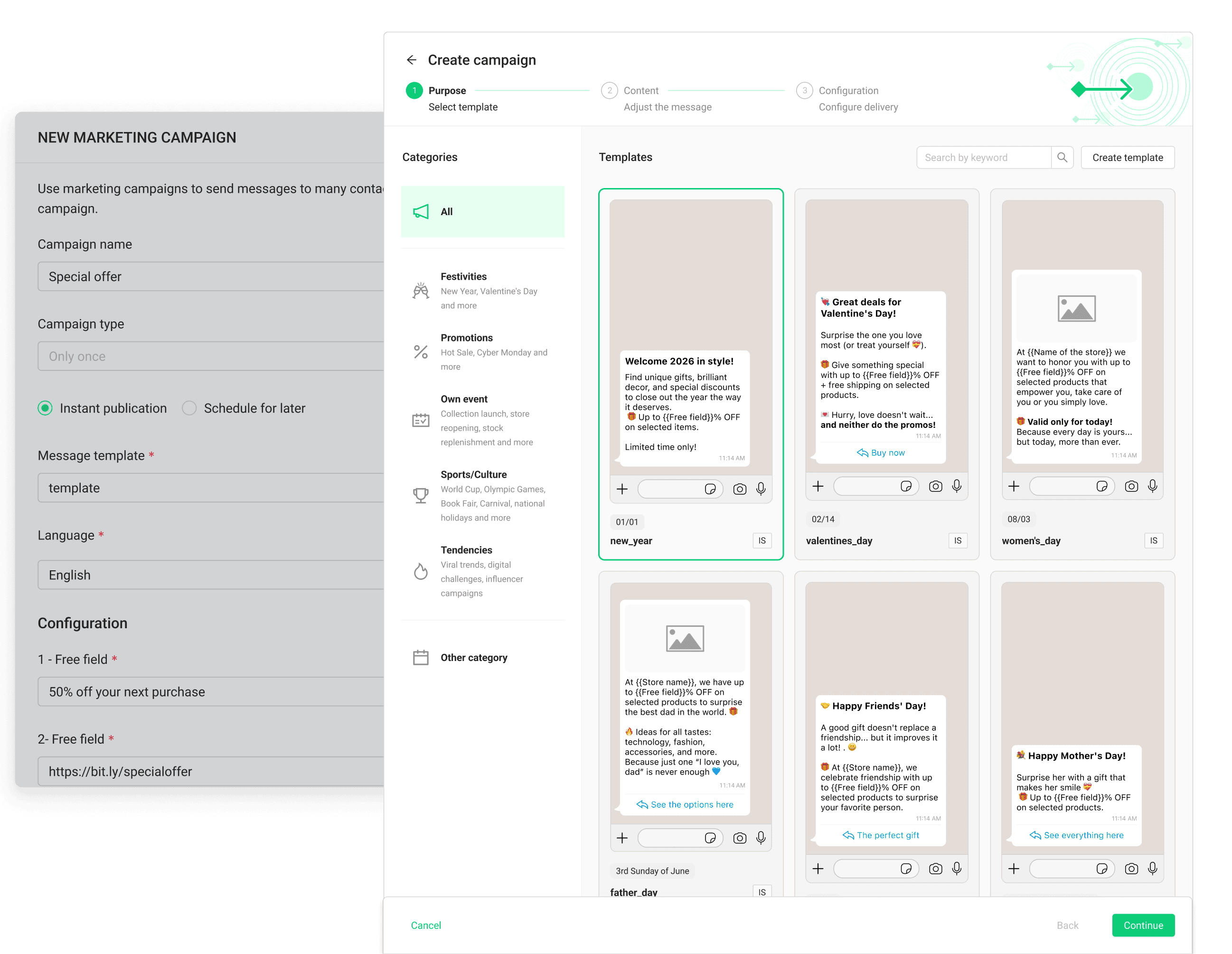
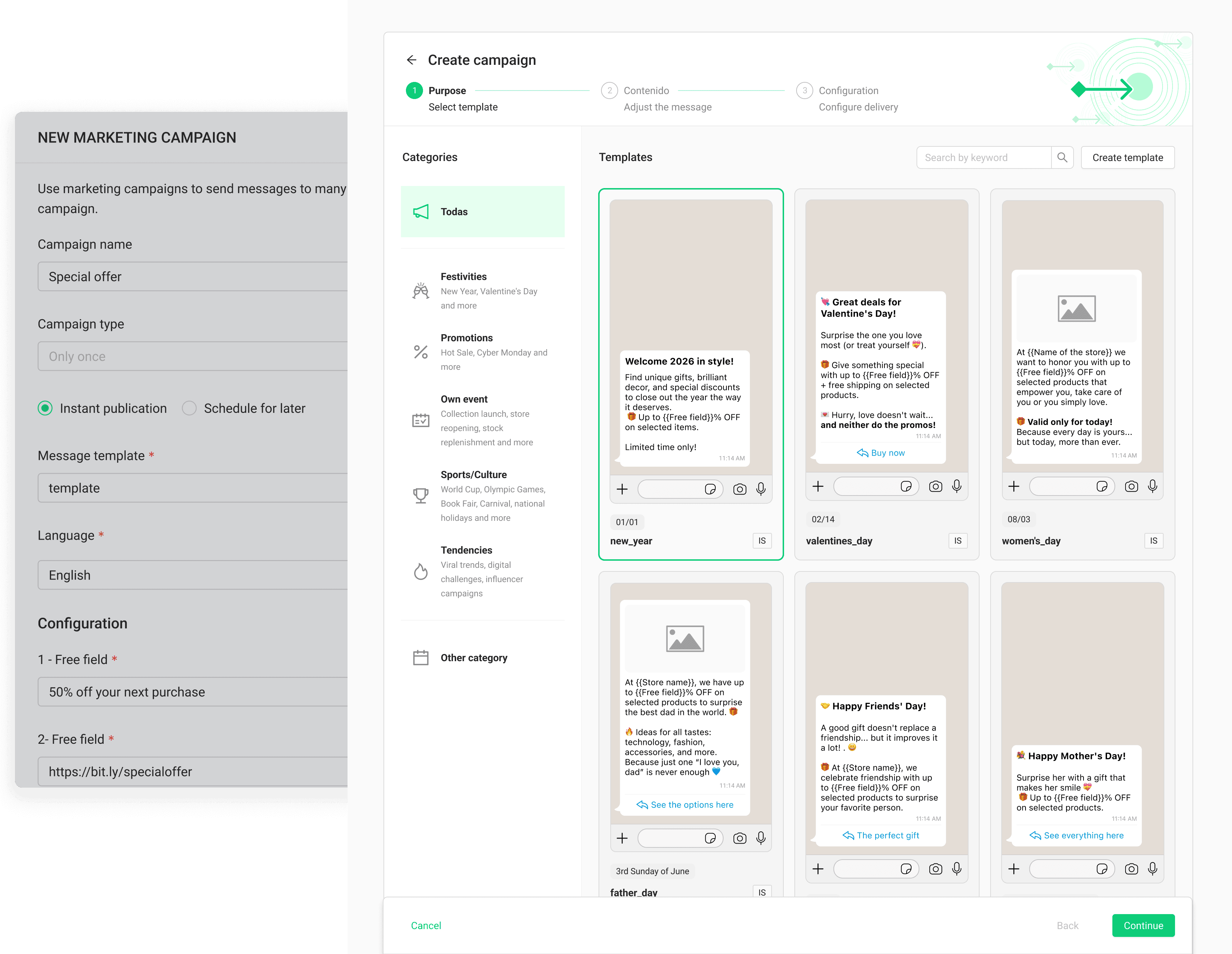
Marketing: Campaign Creation + Automations concept
The campaign creation flow had several compounding issues that blocked users before they could even send a message:
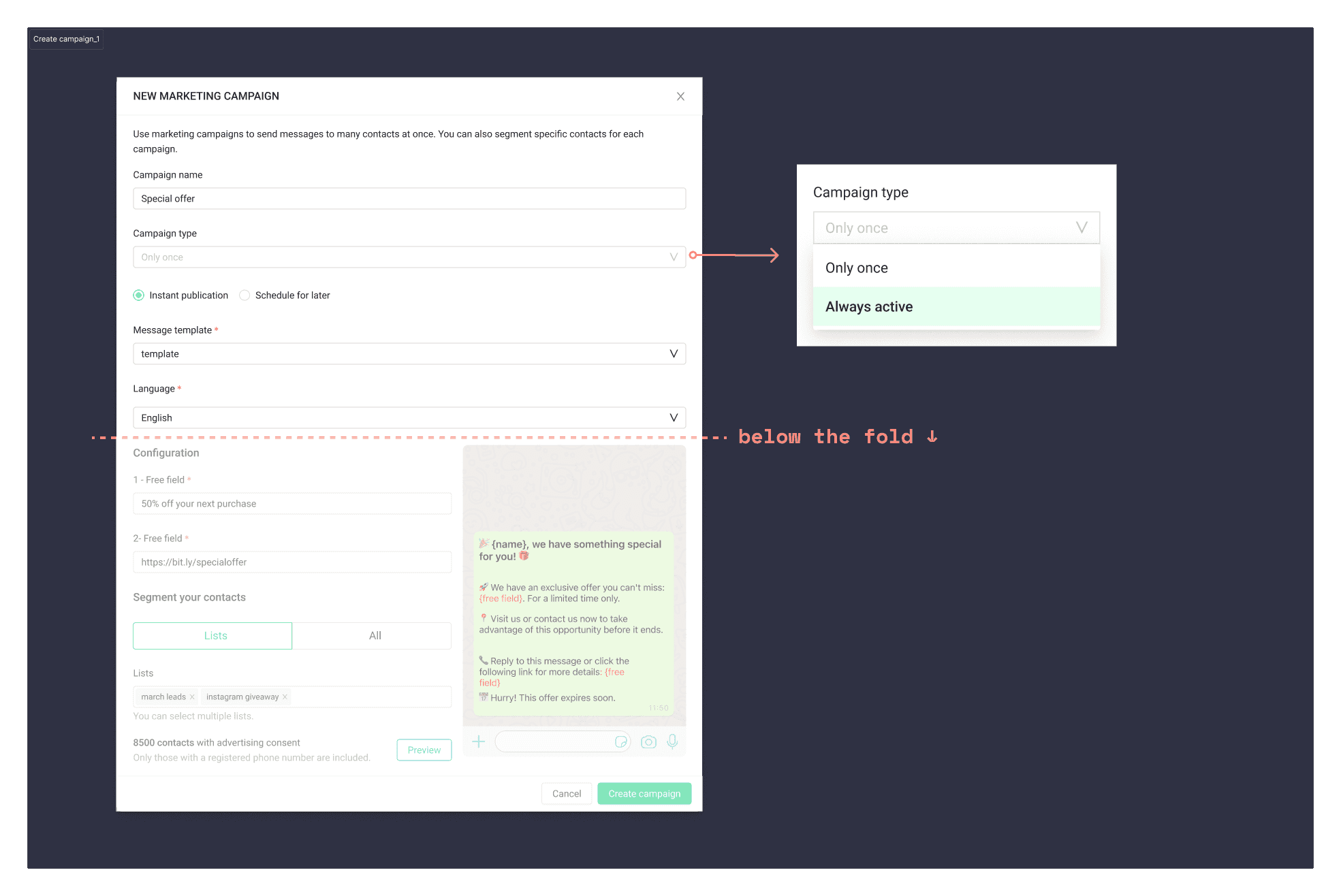
"Always active" campaigns — automations triggered by events like abandoned cart — were hidden inside a confusing label with no explanation, making a powerful feature practically invisible
The message preview was below the fold, forcing users to scroll to see the most critical information on the screen
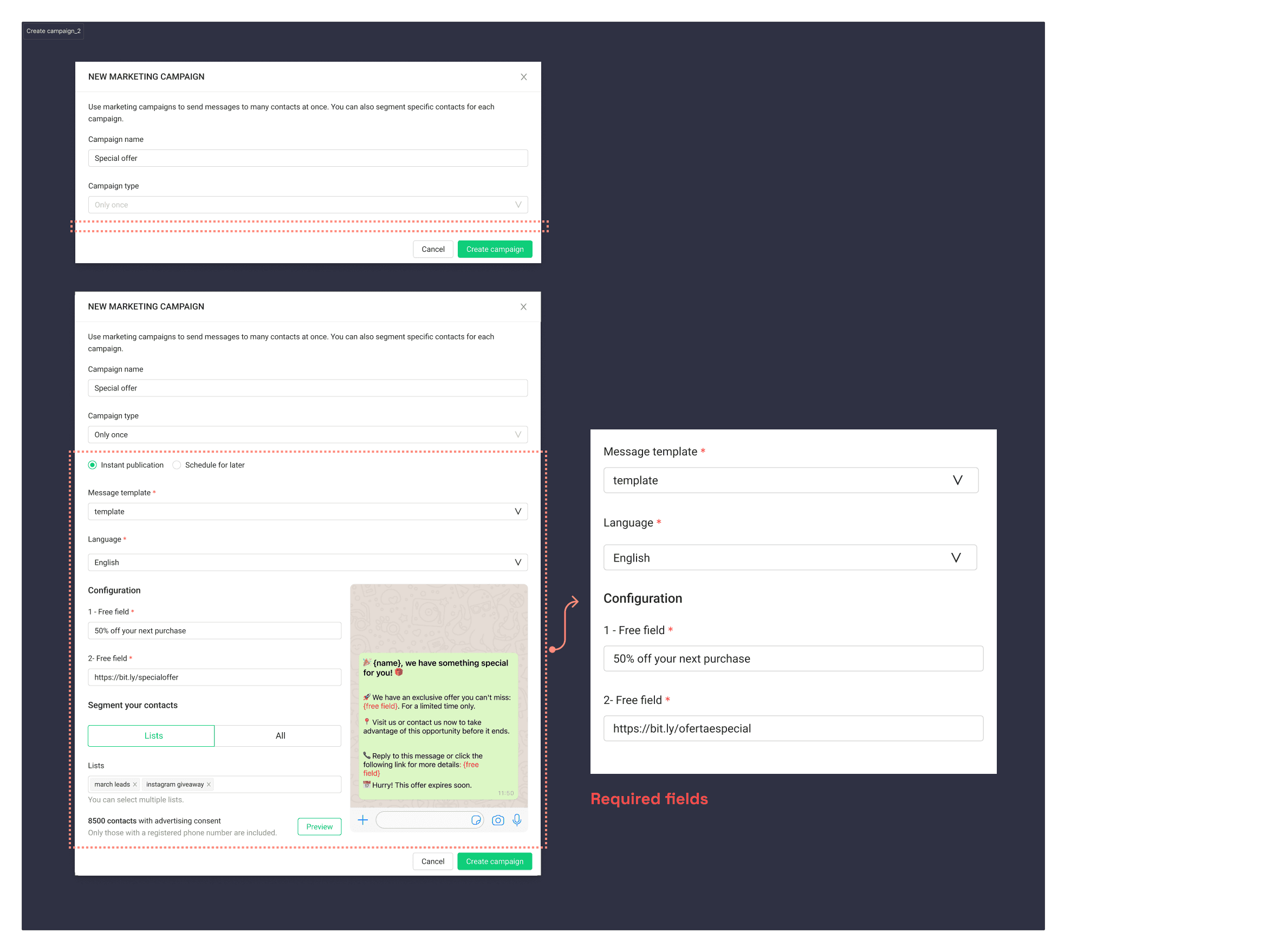
Required fields like language and recipient weren't visible until after the initial template selection, creating unexpected friction mid-flow.
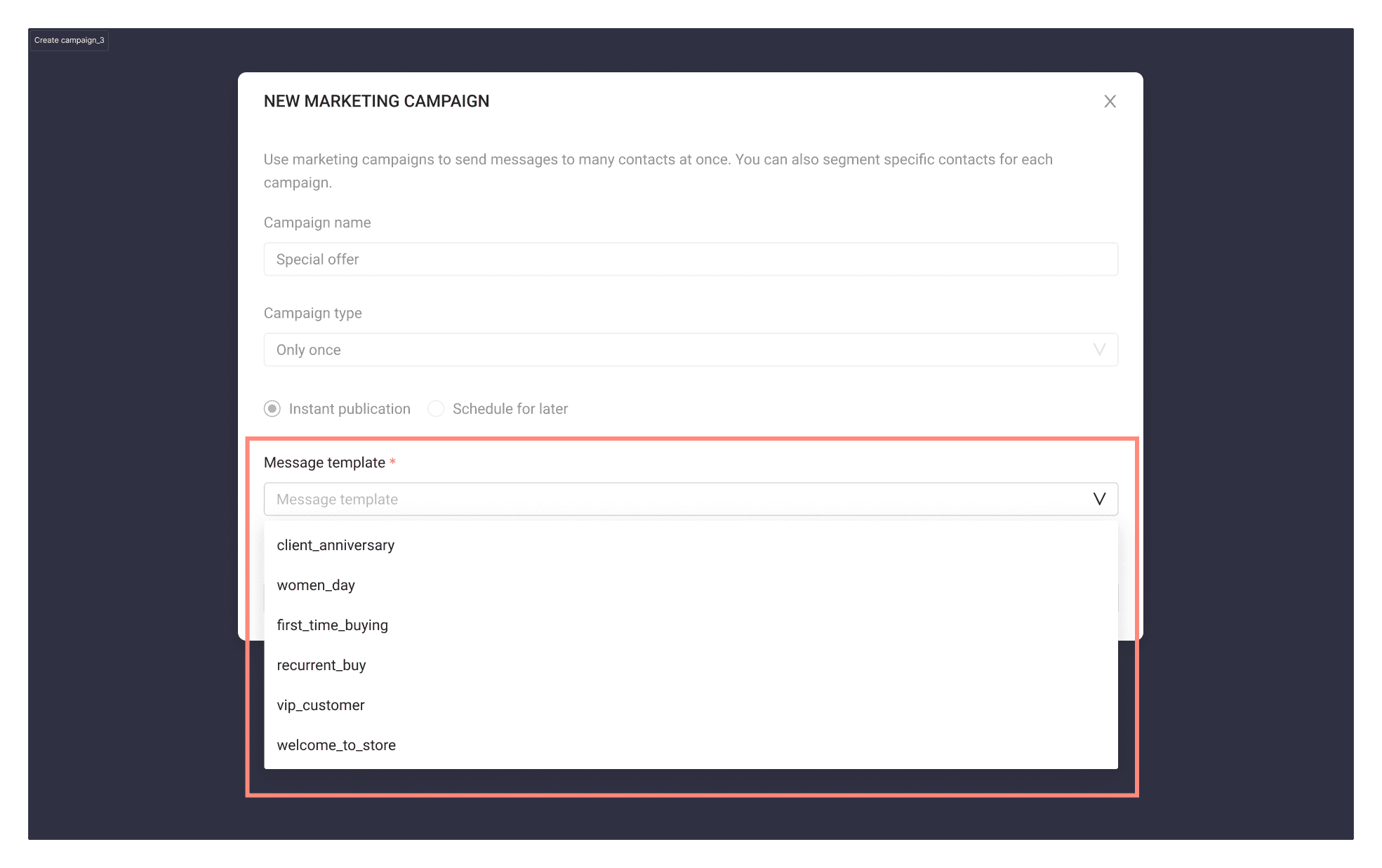
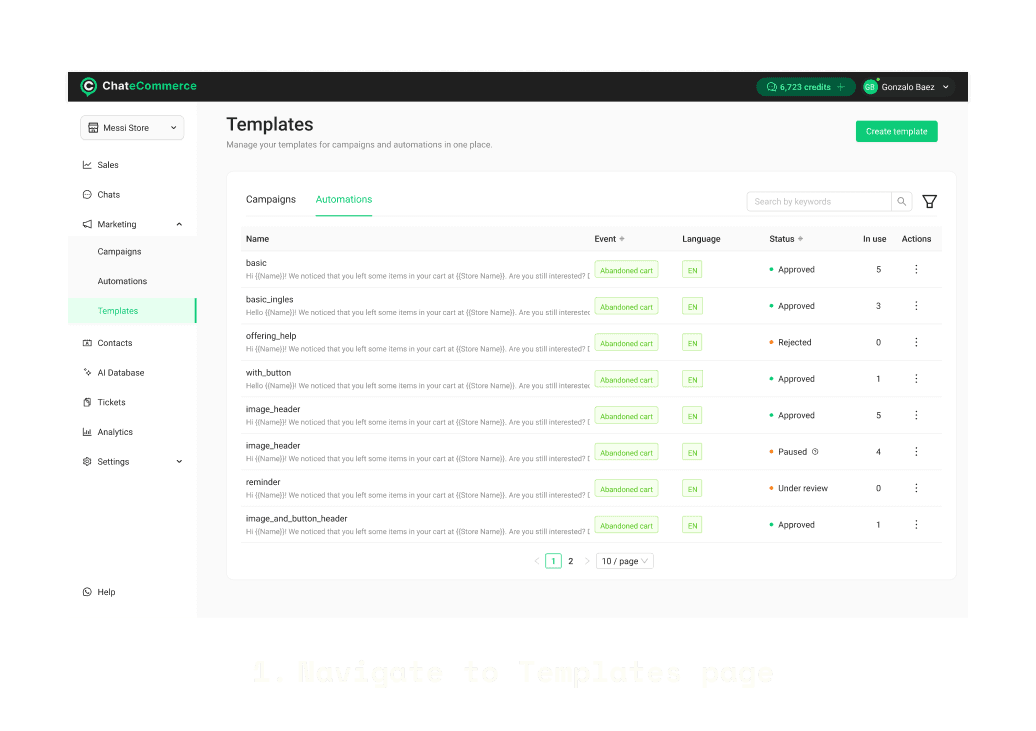
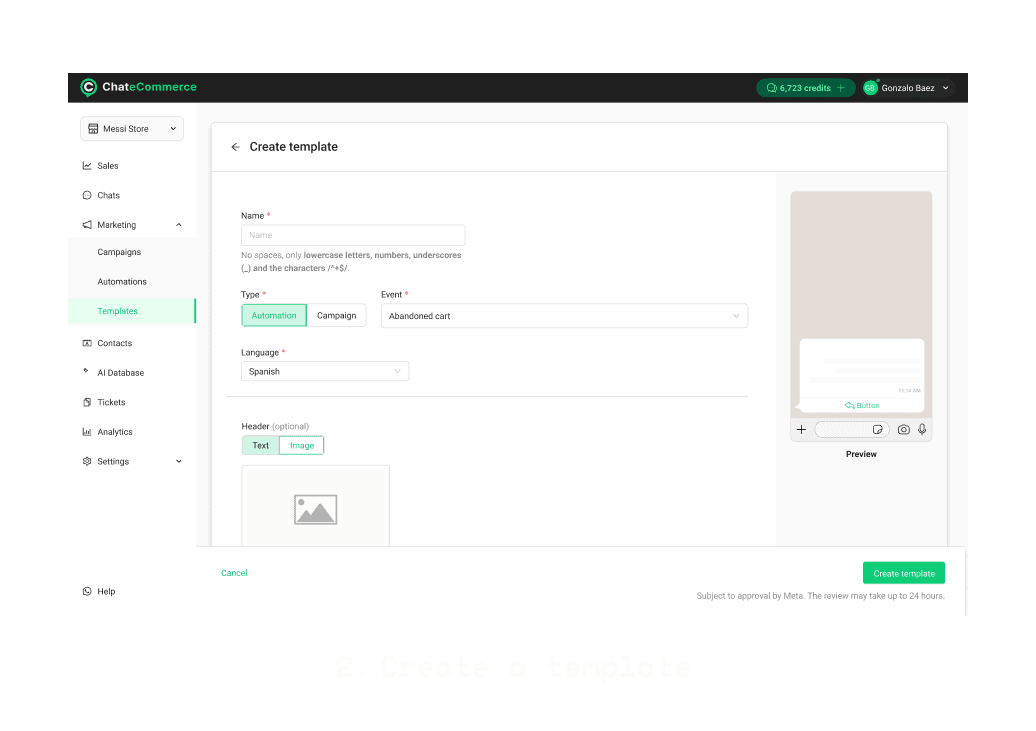
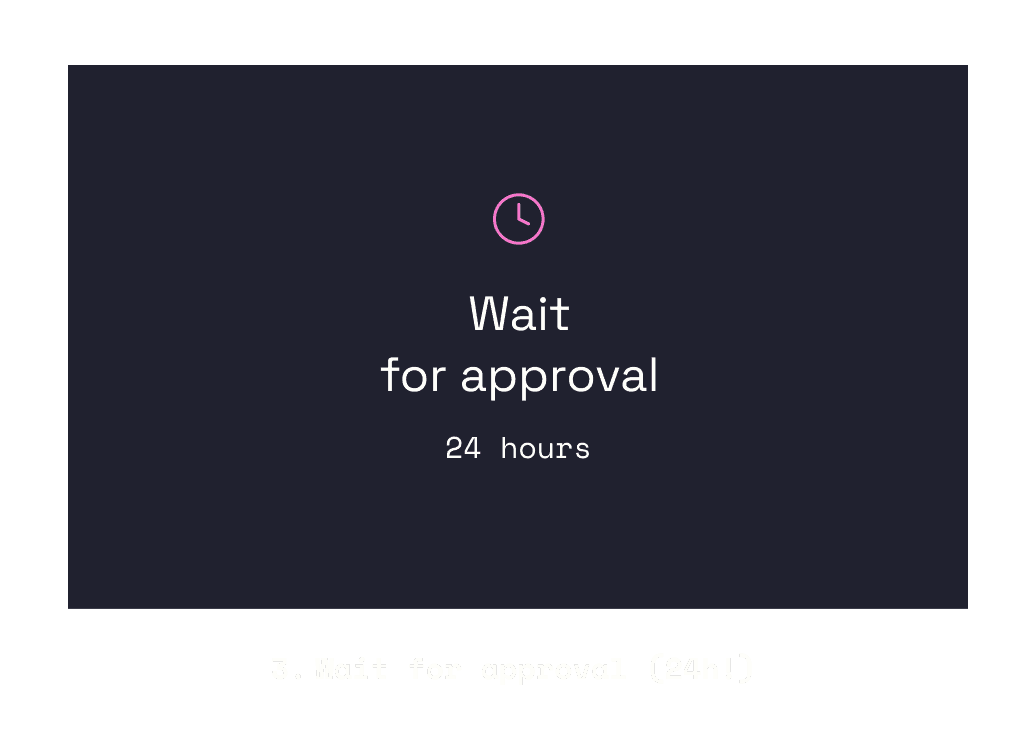
No suitable template meant leaving the flow entirely, navigating to Templates, creating one, and waiting up to 24 hours for Meta approval — a full workflow interruption
Solution
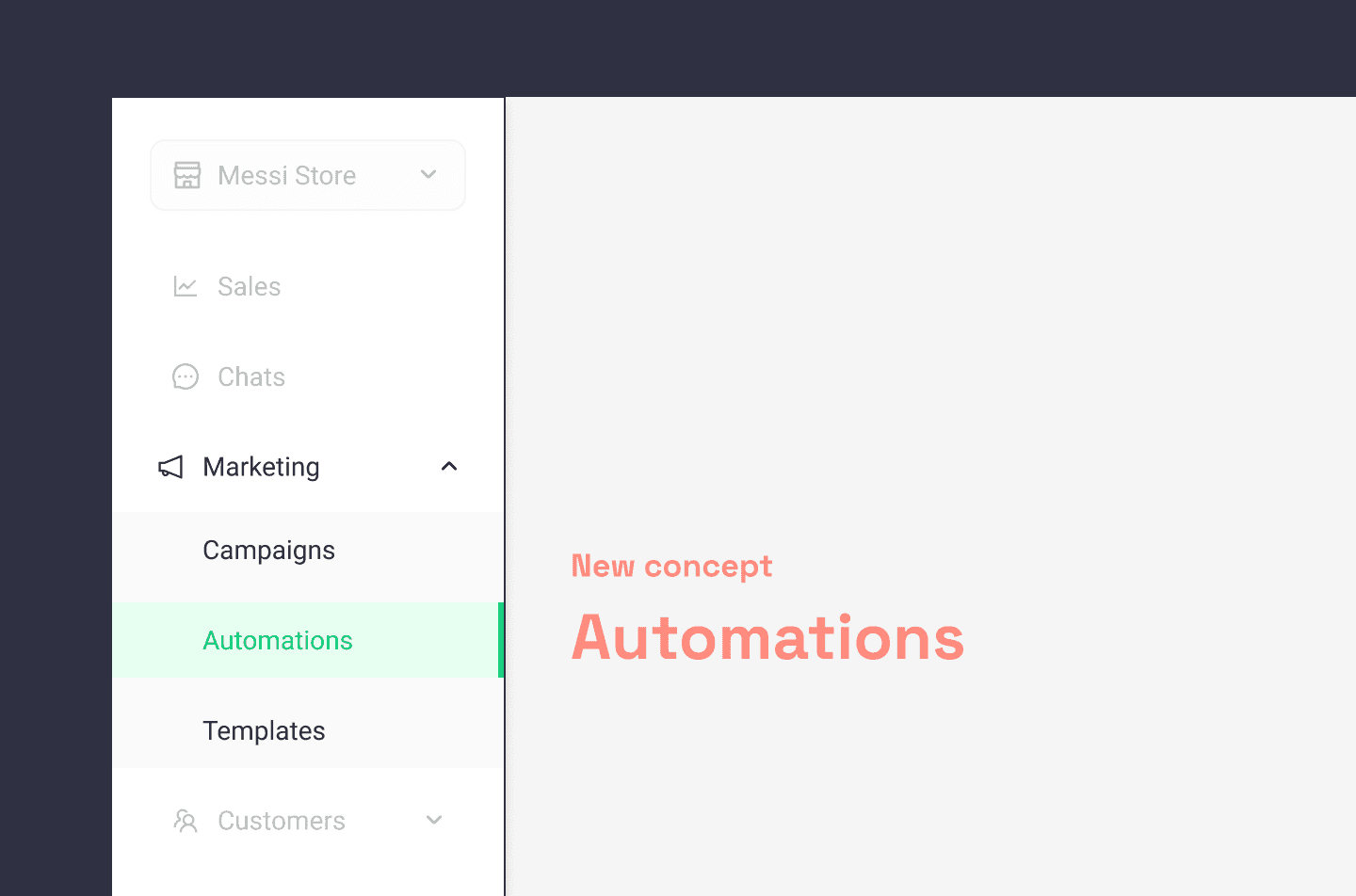
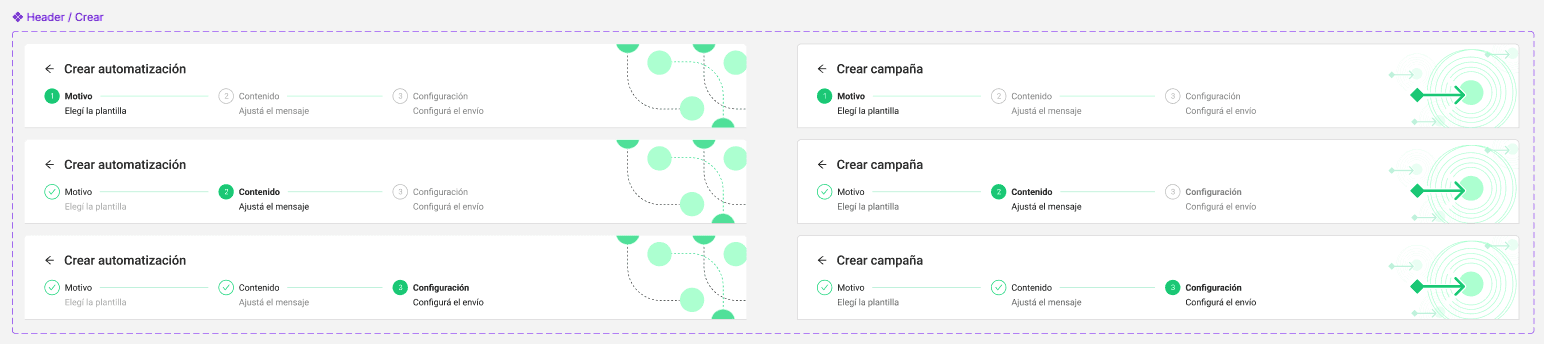
Automations were separated into their own dedicated page with a parallel creation flow, making event-triggered campaigns a first-class feature with a clear identity.

A full redesign of the campaign creation flow as a guided wizard:
Select template — predefined and filtered by campaign type, so users start with the right options
Review content — full message preview front and center before committing
Configure send — delay settings and contact list selection
Impact
Users no longer need to exit the flow to create a template
Required fields surface at the right moment
Message preview is the first thing users see before confirming
Automations went from invisible to intentionally discoverable
Creating an AI Agent
The existing creation flow offered two modes — Basic and Expert — but the distinction was unclear and the experience was fragmented:
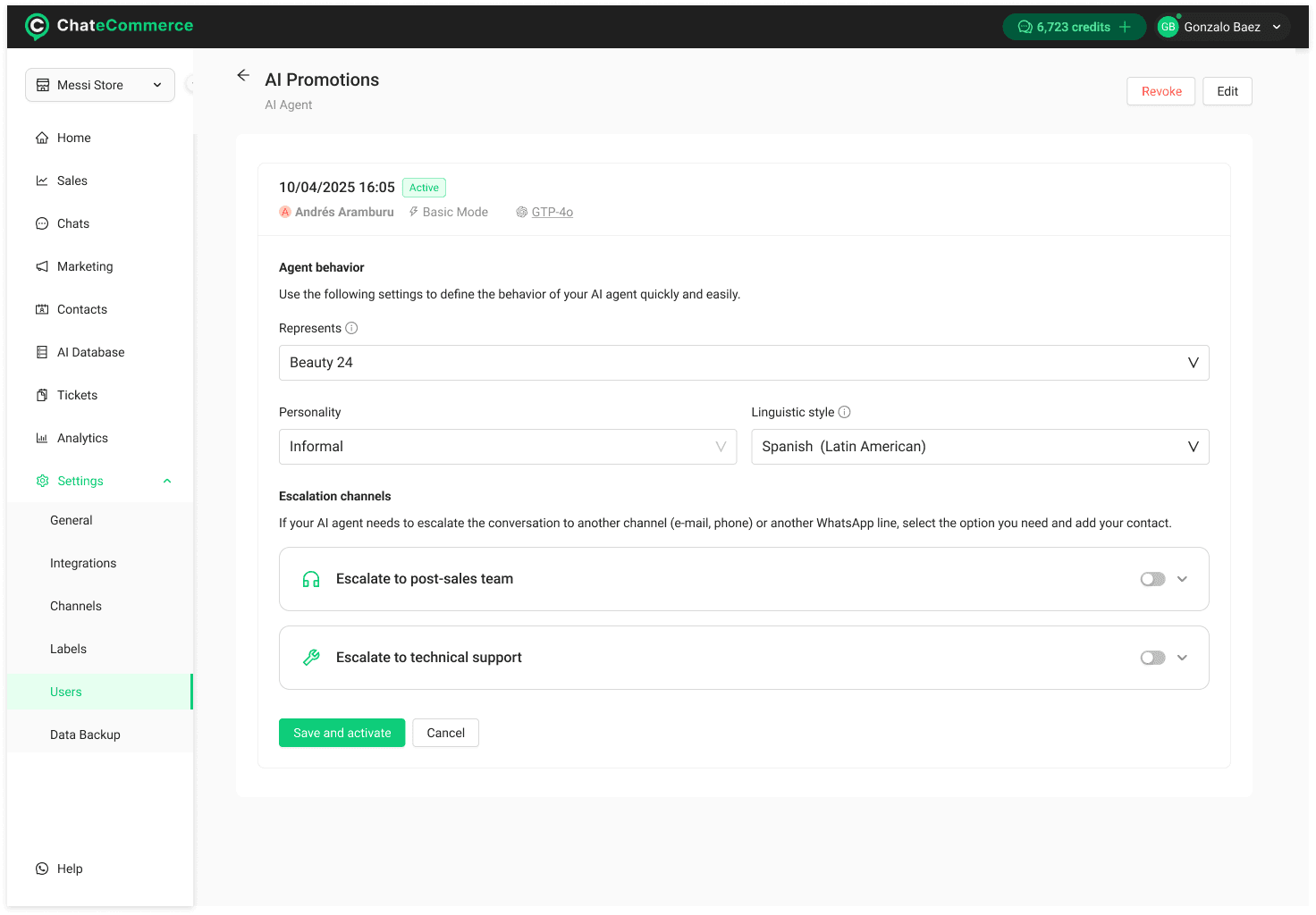
Basic mode only allowed surface-level configuration: language, personality, and workspace.
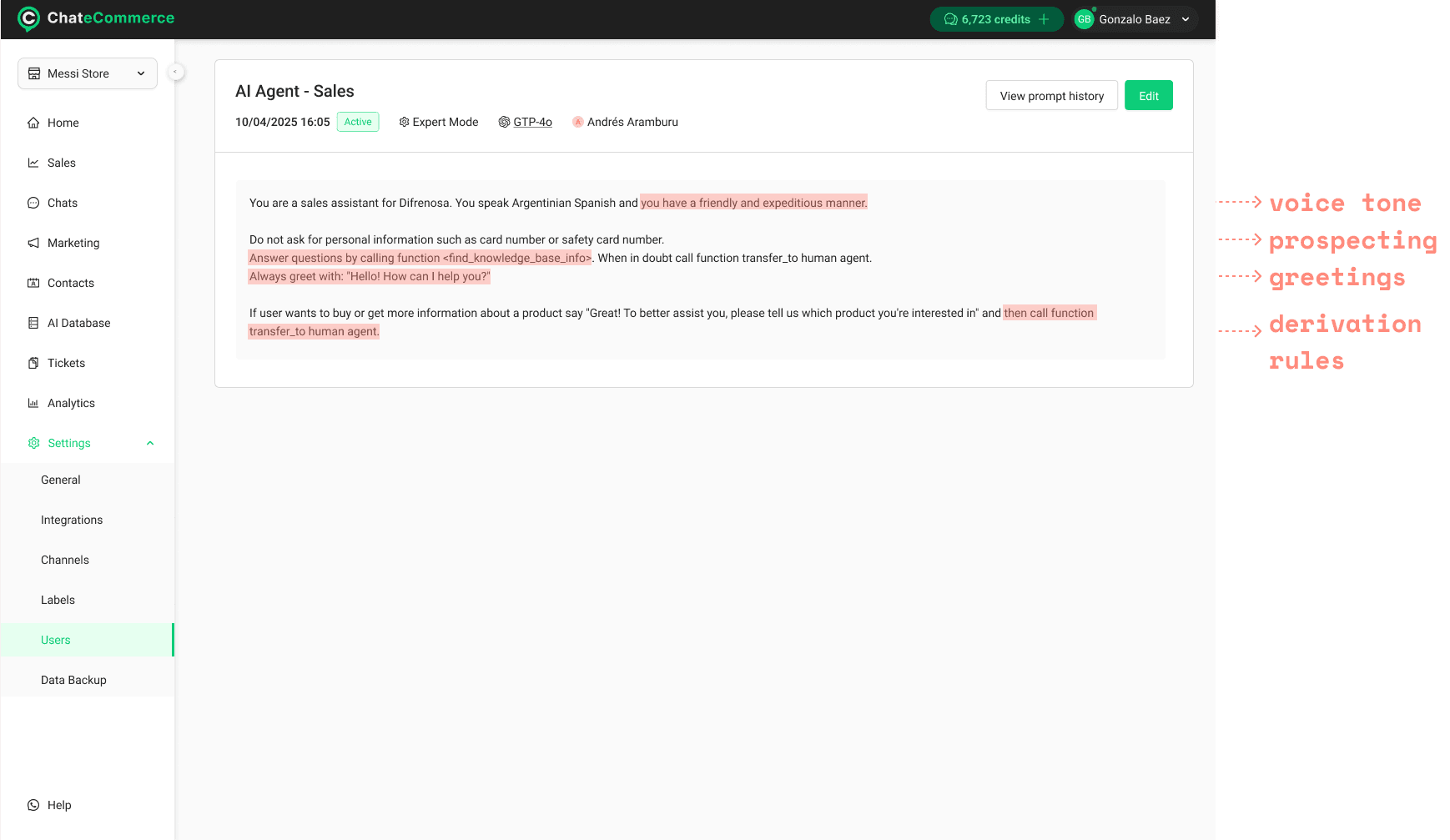
Expert mode unlocked derivation rules, greetings, voice tone, and prospecting questions — but the jump between modes felt arbitrary and the advanced options were hard to find
There was no visual feedback of how the agent would actually behave, making setup feel abstract.
Solution
A redesigned multi-step creation flow that guides users through building the agent progressively:

Personality and tone — language, voice, greeting defined step by step
Live preview panel — right side of the screen shows how the agent would respond in real time as configuration changes
A dedicated AI section where all intelligent features live together: prospecting questions, automated ticket creation, and scenario-based trigger rules
This consolidation gave AI capabilities a clear home in the product, rather than scattering them across modes.
Impact
Setup feels guided, not technical
Users can validate agent behavior before deploying
AI features are grouped and discoverable without switching modes
Foundation laid for expanding agent capabilities without adding complexity
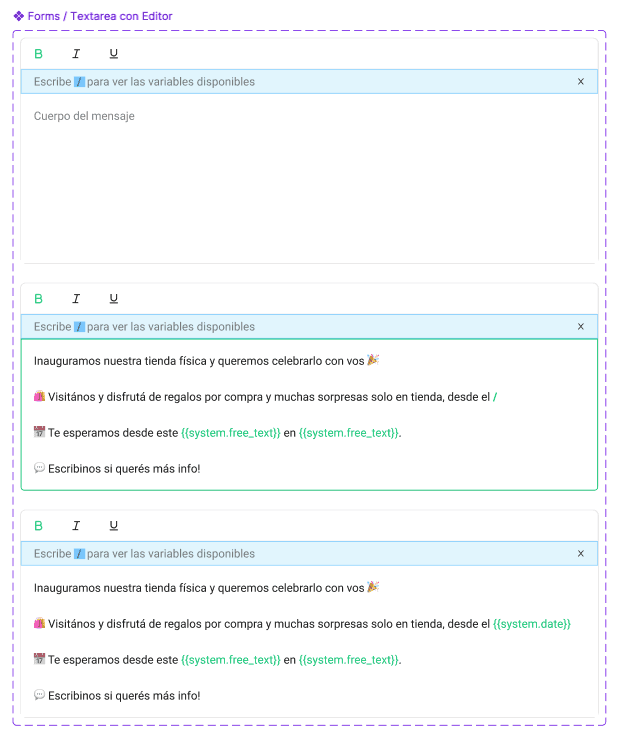
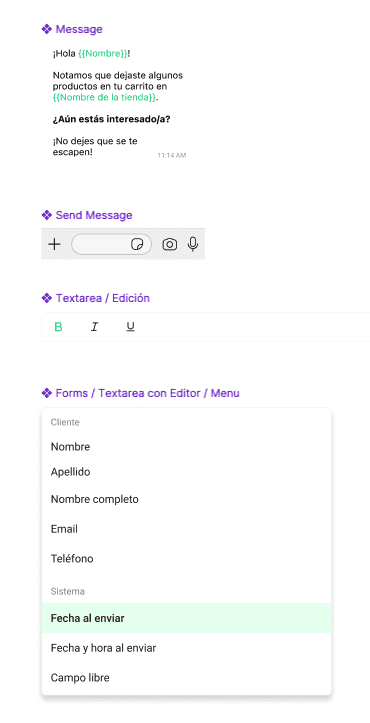
some Design System custom components